
PVX.AI runs natively inside AutoCAD. No file exports, no external tools. Terrain-aware layout, automated grading, and cable routing with voltage drop per string.
30-minute live walkthrough with your terrain data. No commitment.
Side-by-side comparison of key engineering capabilities.
| Feature | PVX.AI | PVcase |
|---|---|---|
| AutoCAD integration | Native plugin (runs inside AutoCAD) | Standalone + AutoCAD plugin |
| Terrain analysis | Reads actual topo surface, slope + soil hardness mapping | Basic terrain import |
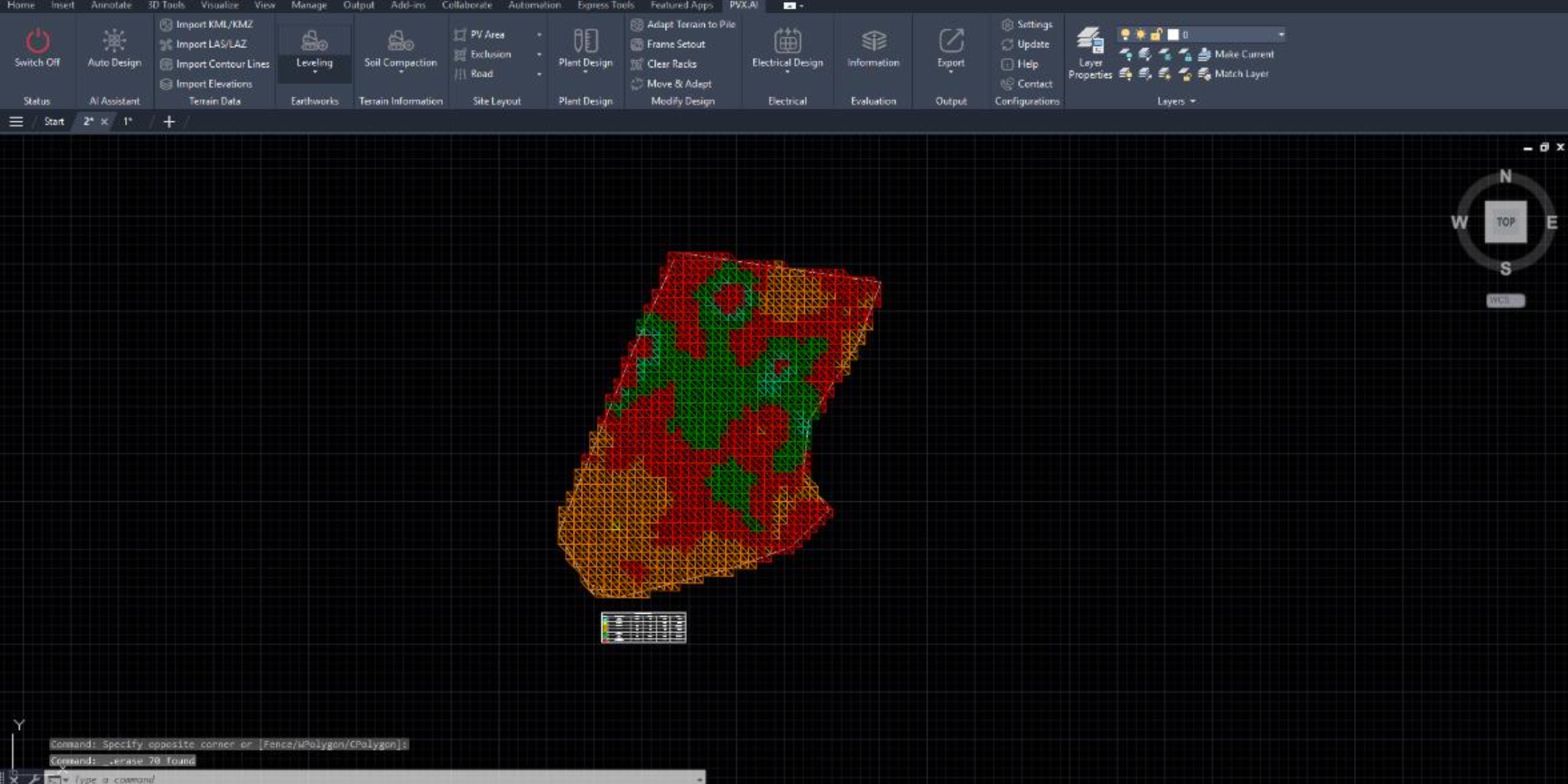
| Grading optimization | 3 approaches compared automatically with cut/fill volumes | Single grading approach |
| Cable routing | Auto routing with voltage drop per string, 3 topologies (Line/U/Leapfrog) | Basic cable estimation |
| Soil analysis | Soil hardness mapping integrated with grading cost calculation | Not available |
| Construction outputs | Pile coordinates, grading sheets, cross-sections, drainage plans | Layout exports |
| PVsyst export | Direct export from AutoCAD | Available |
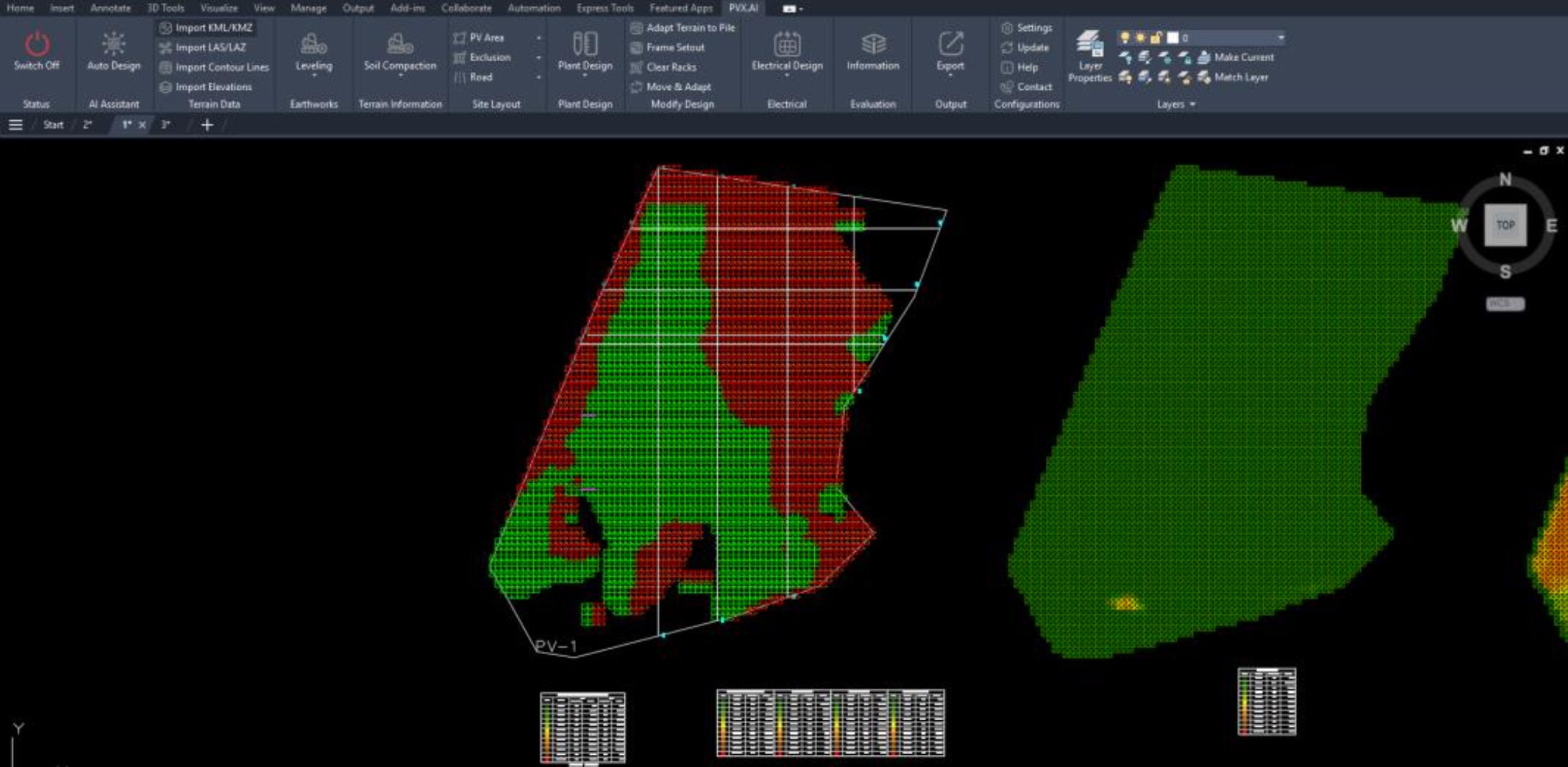
One project saved $727K in earthwork because PVX.AI mapped soil hardness, optimized pile-adaptive grading, and split 52 tables to keep pile lengths under 4m. That's 118K m³ of avoided earthwork.
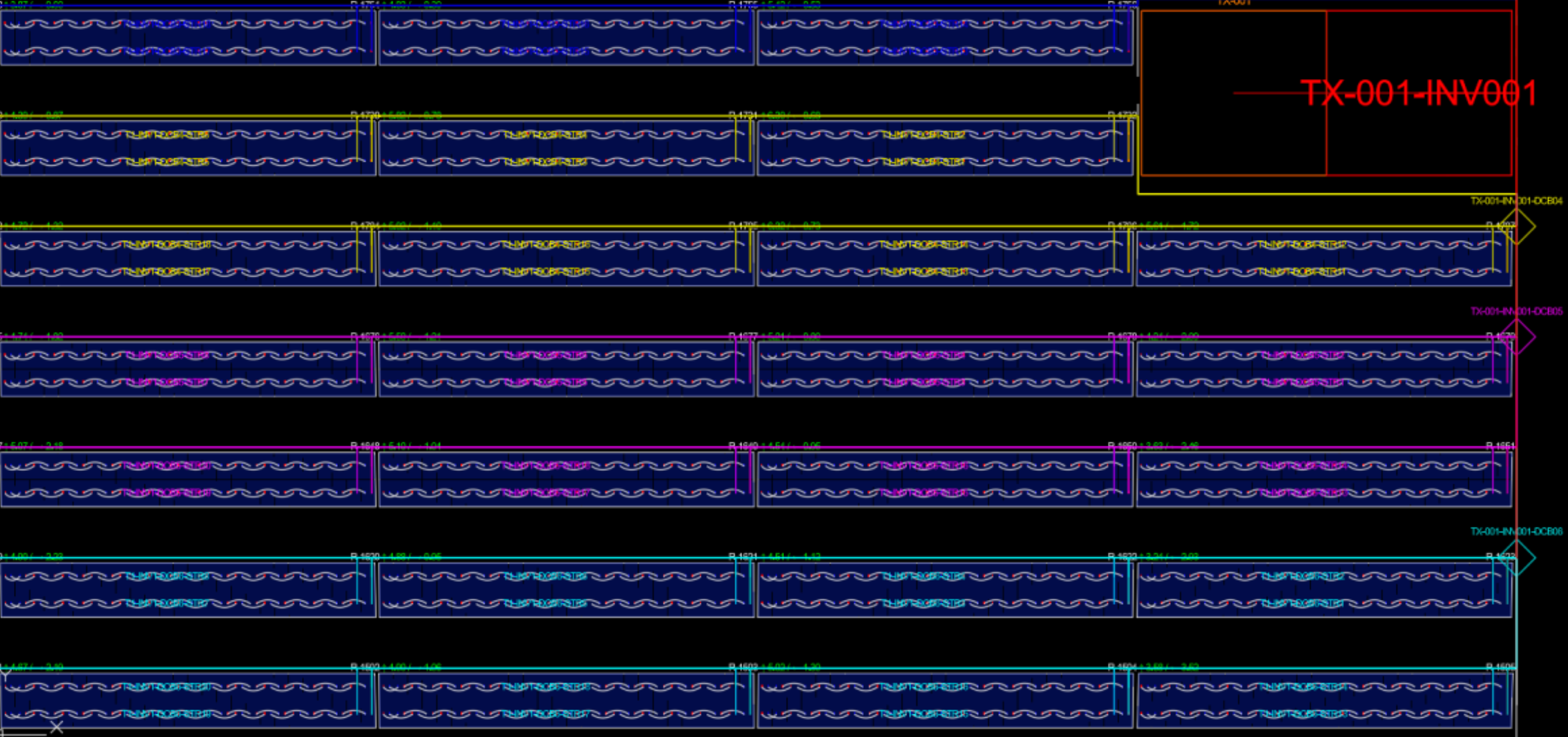
PVX.AI calculates real cable routes, not bird's-eye estimates. Every string gets an actual trench corridor route with automatic voltage drop calculation. On one 130 MWp project, Leapfrog routing saved $430K vs Line String topology.
No exporting between 3-4 tools. Terrain analysis, layout, grading, cable routing, and PVsyst export. All inside the same AutoCAD file.
Real engineering workflows running natively inside AutoCAD.
Bring your topo file. We run PVX.AI on your actual project data in 30 minutes.
